



Description
Price: $15.99
(as of Jun 01, 2024 03:44:39 UTC – Details)

Product description

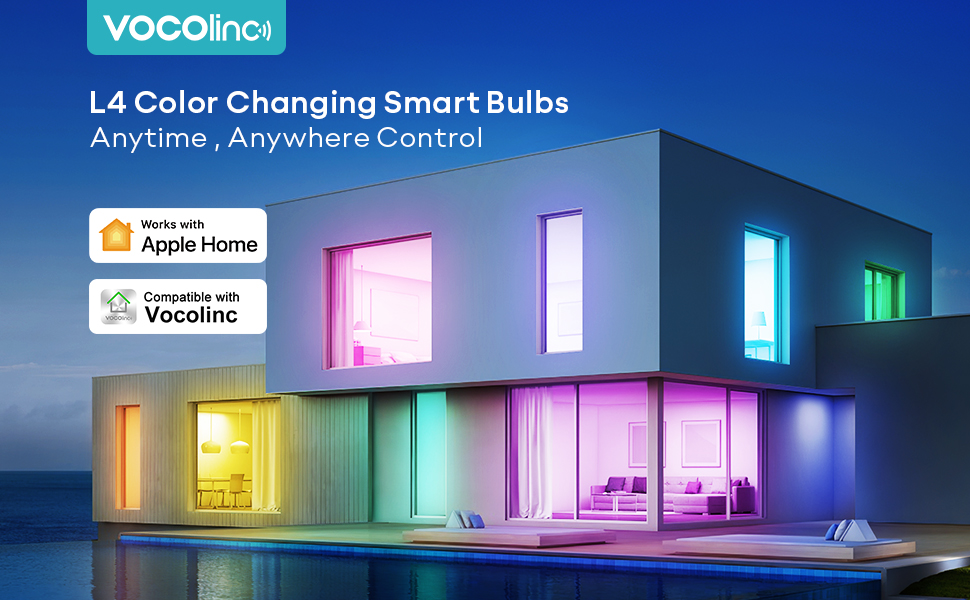

Specifications Power: 60W Light source power: 9.5W Rated voltage: 120V 60Hz Color temperature: 2200-7000K Average beam angle: 220° LED lifespan: 25000H Diameter: 2.5 inches/65mm Brightness: 850 LM Vocolinc L4 smart bulb 16 million colors Personalize your Light GB
Use Apple’s Siri, Amazon’s Alexa, or Google Assistant to control your Wi-Fi bulbs hands-free with simple voice commands, even through your mobile phone. No more worrying about forgetting to turn off the lights!
Superior HomeKit experience with smart bulb
With more than 5 years of experience in developing HomeKit accessories, we pay more attention to compatibility and stable connectivity to provide you with an excellent experience, particularly for HomeKit users.


How to work with Alexa and Google Assistant?
Kind Tips: To use Alexa or Google, the premise is that the device is connected to the VOCOlinc cloud. When pairing (during setup), this product requires a 2.4GHz wireless network. Step 1: Download the VOCOlinc app. When you open the app for the first time, select Multi-system mode and sign in. Step 2: Reset: Turn the light switch on and off at least 3 times. The bulb blinked once. Reboot successfully. Open the VOCOlinc APP to add the device. Once the addition is complete, the device will automatically connect to the VOCOlinc cloud. Step 3: For Alexa APP VOCOlinc > User > Third Party Connection > Link to Amazon Alexa > Sign in with Amazon > Sign in and connect on the Alexa APP that opens automatically. After the connection is successful, it will automatically return to the VOCOlinc APP. Step 4: Confirm if the link is successful: Open the ALexa APP > More > Skills & Games > Your Skills > You will see VOCOlinc in the Enabled list. That means you are already connected. Step 5: You can use it via voice control. Enjoy it. Step 6: For Google VOCOlinc app > User > Third Party Connection > Link to Google Home and fill in the link on Google pop-up webpage or app. Step 7: Confirm whether the pairing is successful: Open the Google Home app > Tap “+” in the upper left corner > Select “Set up device” > Select “Powered by Google” > Check if there is “VOCOlinc” under “Services” linked” Step 8: You can use it via voice control. Enjoy it.
Package Dimensions: 5.63 x 2.68 x 2.68 inches; 3.84 ounces
Product model number : LB2201
First availability date : June 20, 2022
Manufacturer : VOCOlinc
ASIN : B0B4JMZ4WT
Voice Control: VOCOlinc smart light bulbs work with Apple Home, Alexa and Google Assistant. Without turning the light switch on and off with your hands, you can control the lights with your voice via Siri, Alexa or Google Now in many scenarios.
Remote Control: The homekit bulb can be controlled from anywhere and anytime using Apple Home and the VOCOlinc app. (Tips: Only support 2.4GHz WiFi)
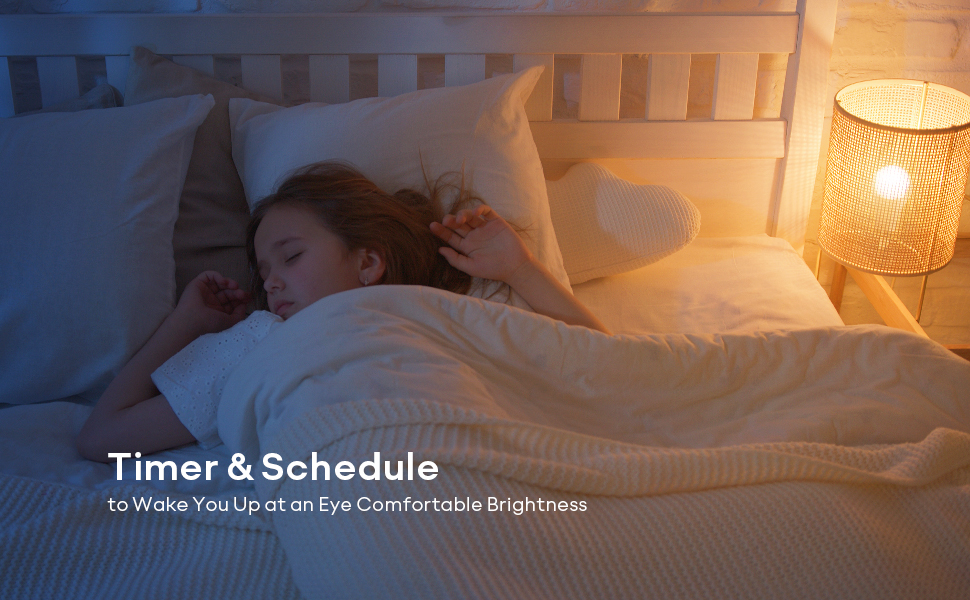
Timing and Energy Saving: You can set a schedule to turn on/off the smart WiFi bulb automatically based on the user’s routine. The 60-watt brightness LED smart bulb consumed power only 9.5 watts per hour. Start a smarter, greener lifestyle.
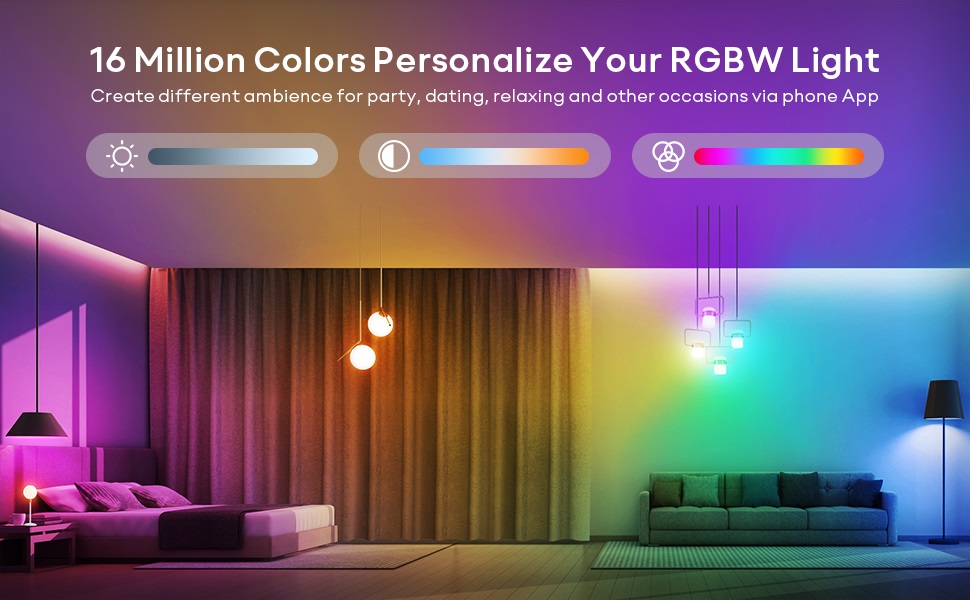
Full Color Changing Bulb: The dimmable smart LED bulb supports 16 million colors, from warm white to cool white (2200K-7000K). Set your bulb to automatically adjust its color temperature to match natural light patterns from dawn to dusk. Perfect to decorate your house for festivals, such as Halloween, Christmas. For going out to party, it is a light bulb of good atmosphere.


Reviews
There are no reviews yet.