

Description
Price: $49.99
(as of May 26, 2024 03:29:06 UTC – Details)

Product description


How to connect bulbs to AiDot app?
Turn on the bulb, open the AiDot app, tap “Add Device”, select “Nearby” to connect via Bluetooth. Follow the prompts to turn on Bluetooth location and permissions. After automatic detection by the app, select the detected bulb. Select home network, enter your password and wait to connect.
What to do if the light bulb is disconnected?
Step 1: Turn on the bulbs. Step 2: Turn the light on and off six times in a row, the interval is about 1.5s, neither too fast nor too slow. Step 3: Power it on for the 7th time, bulbs will execute a color change, which means the reset is done and it is in pairing mode. After resetting, add the bulb back to the AiDot app.

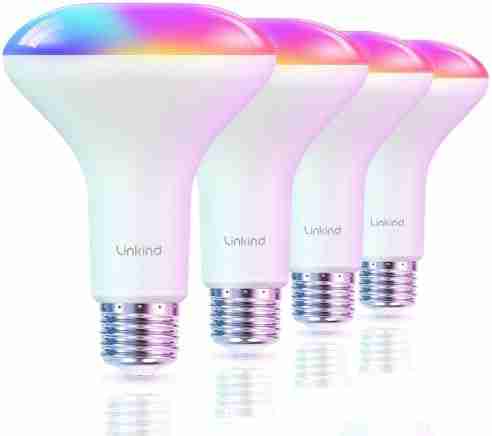
Linkind Br30 Smart Wifi Bulbs
How to connect Alexa
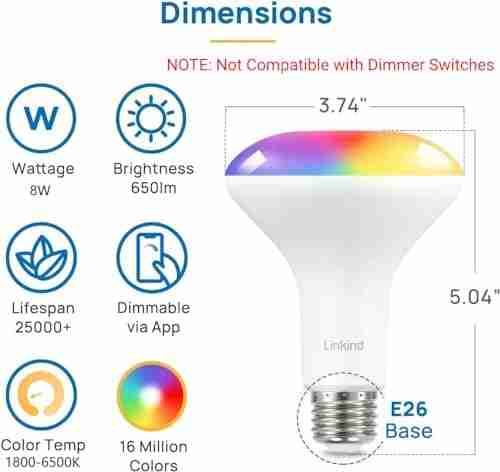
First log in to the AiDot app and Alexa app. Then tap “Aidotor” in the AiDot app, select “Integration”. Follow the on-screen instructions to pair with Alexa. Power: 8W equivalent, 60W Brightness: 650lm Color Temperature: 1800K-6500K Dimmable via App: 1%~100% Lifespan: 25000+ Please do not install the smart bulb in a circuit with a dimmer of intensity.


Package Dimensions: 6.73 x 6.65 x 6.38 inches; 14.07 ounces
First availability date : September 27, 2023
Manufacturer : Linkind
ASIN : B0BX24X28C
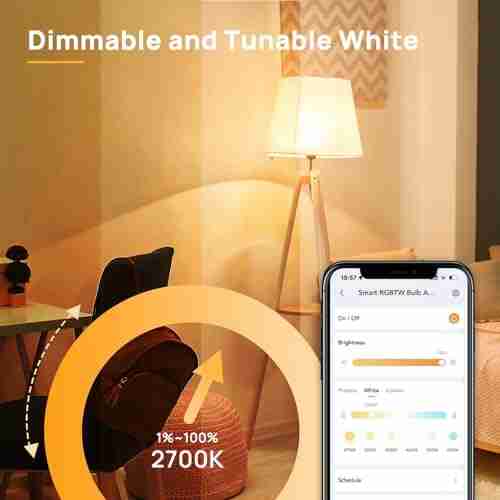
CRI >90 & 2700K Warm White: BR30 color bulbs flicker-free illuminate 2700K warm white light, CRI > 90 can effectively restore the true color of the object and comfort your eyes.
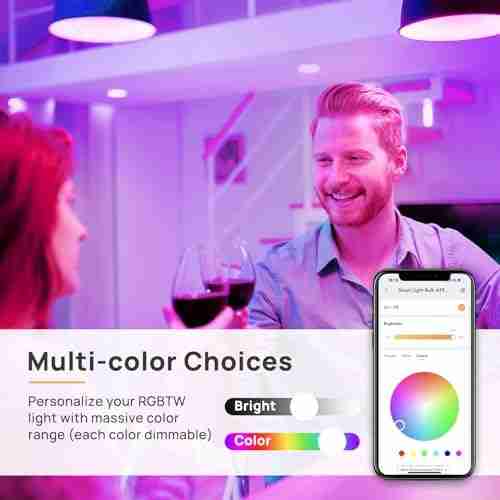
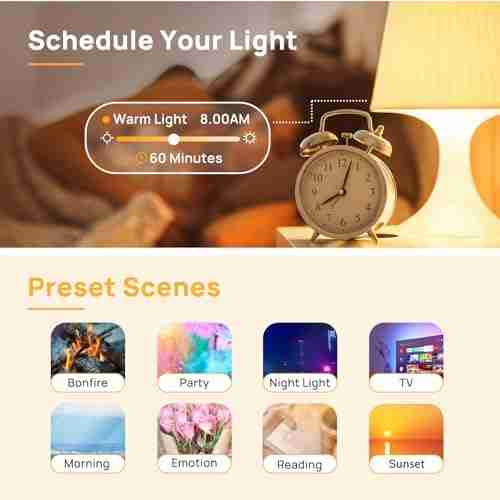
Customize schedules and scenes: Set different schedules to turn on/off the flood bulbs according to your daily routines. Various preset functions such as Bonfire, Party, Sleep, Reading, etc. and scenes are available to meet your demand.
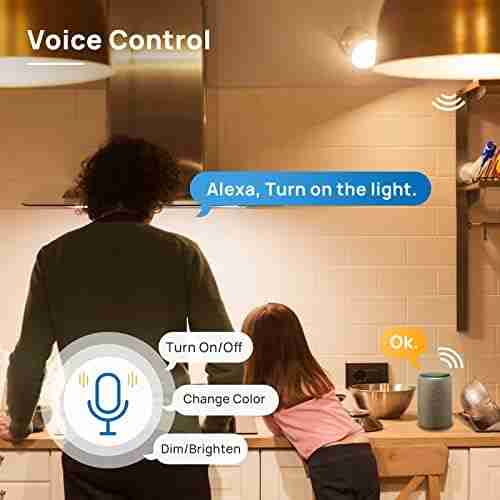
Voice Control (NO HUB REQUIRED): Seamless integration with Google Home and Alexa. You can control these Linkind color changing LED bulbs with voice commands. No hub required.
Reviews
There are no reviews yet.