

Description
Price: $23.99
(as of Apr 26, 2024 13:21:29 UTC – Details)

Product description


dingdong gateway


Make sure that the phone is connected to the WIFI router you want to use, that is, the phone and the gateway are on the same LAN.
0Open the home page of Smart ItkAPP, then click the button in the upper left corner of the page
Click Other* on the left side of the page and select the corresponding wireless gateway based on the icon
According to the timely operation of the device on the network.
0After successfully added, the device can be found in the “My Home” list.
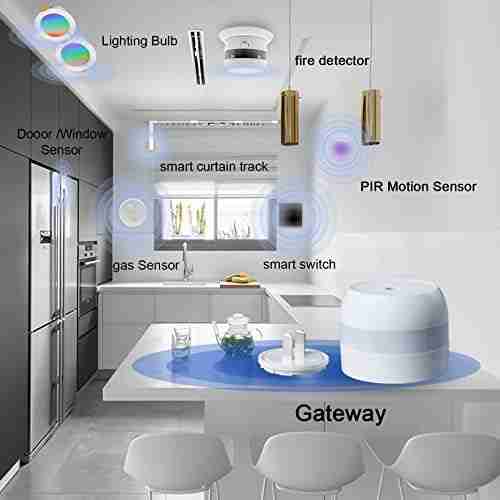
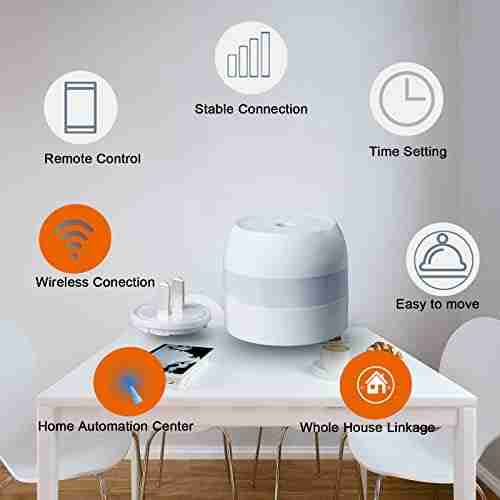
Dingdong gateway is the control center of ZigBee devices
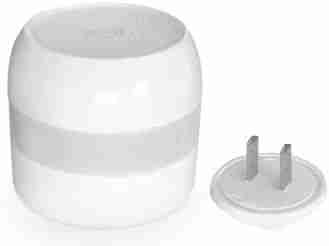
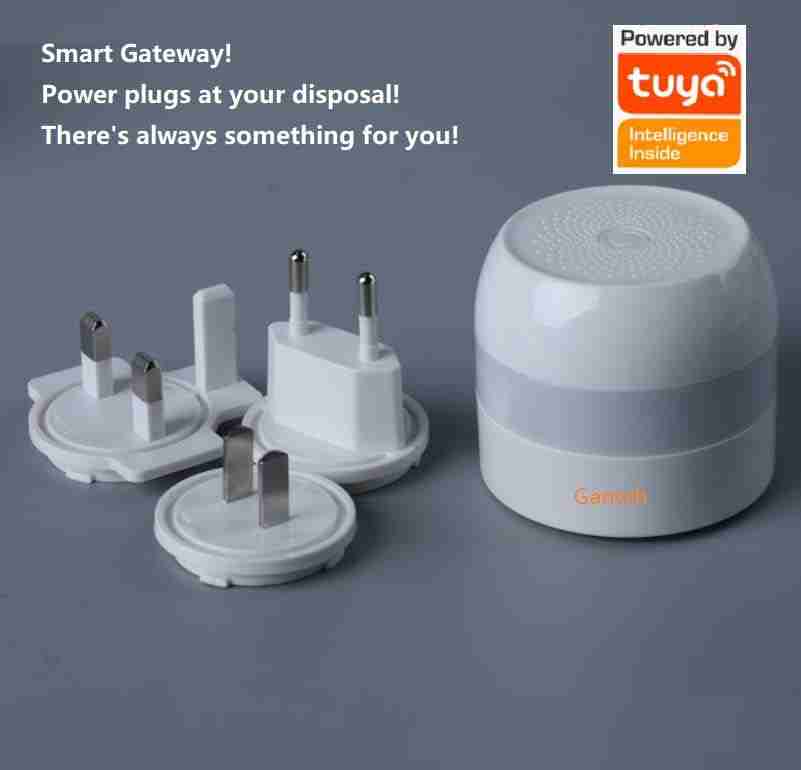
Dingdong gateway is the control center of ZigBee devices, WIFI wireless Internet access, plug and play, easy to install. You can also broadcast related status settings and guidance. The applicable power plug can be selected according to the country.
Specification

Access settings Access settings
Make sure that the phone is connected to the WIFI router you want to use, that is, the phone and the gateway are on the same LAN.
0Open the home page of Smart ItkAPP, then click the button in the upper left corner of the page
Click Other* on the left side of the page and select the corresponding wireless gateway based on the icon
According to the timely operation of the device on the network.
0After successfully added, the device can be found in the “My Home” list.
Products
0 The power plug used by the device will be properly connected to the device and the device will be connected to the power connection while ensuring that the phone is connected to a 2.4 CHZ WIFI network.
Preparation for use
Please find the Smart Life app on the app product or scan the QR code below to download and install the app.
If you are downloading for the first time, click the Sign Up button to register your account: Click the Sign In button
After turning on the network, make sure the network power distribution indicator (red light) is flashing (if the indicator is in another state, press and hold “Reset” until the red light flashes)

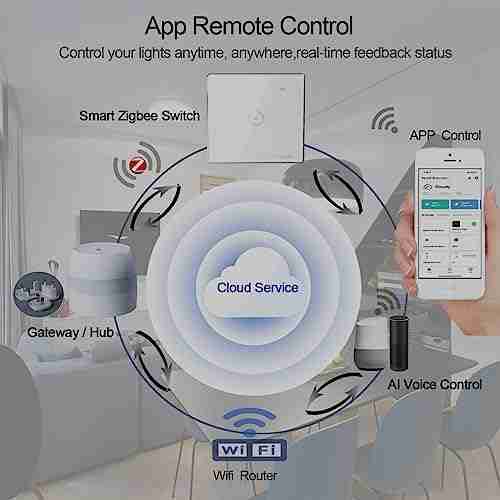
【Group control and APP push】Automated scenarios can be set up through the APP. Add your Tuya Zigbee devices to the Tuya app (make sure the subdevices are compatible with Tuya) and create a smart group for automated smart scenario apps. Through smart settings, the smart home hub gateway will automatically send notifications to the APP. This Zigbee WiFi Gateway Hub supports up to 30 sub devices online at the same time. Multiple gateway (Hub) systems can be grouped together.
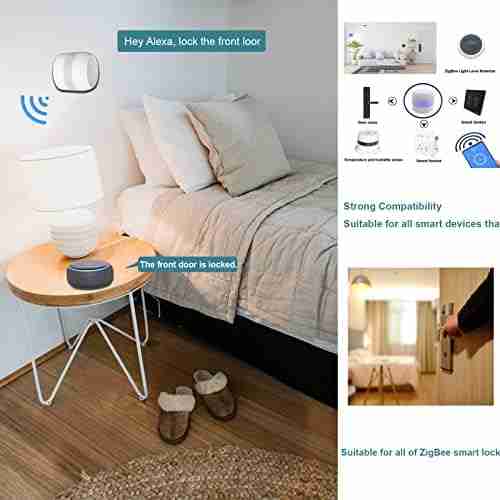
【A must-have product for all ZigBee devices】The ZigBee smart gateway bridge, which can be connected to various ZigBee smart Tuya products, is a bridge as a control center of smart homes and plays an irreplaceable role in all ZigBee products.
【Easy to use and share devices】Small in size, this Tuya Zigbee gateway can be placed in various locations. Supports sharing devices with your family to control them together. Multiple mobile phones can control the same device without re-pairing and directly sharing existing devices.
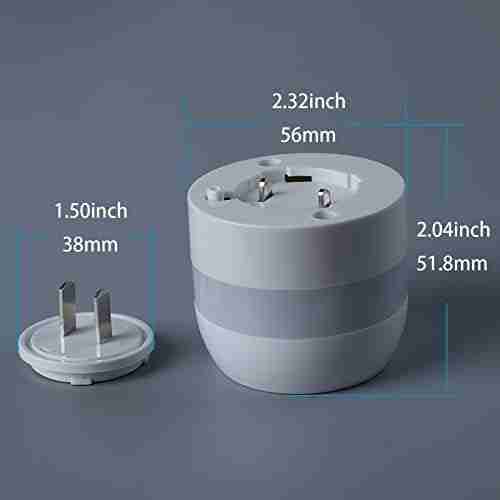
【Wide Application】Can be used in various countries and regions, according to the requirements of the region to choose the correct power plug, the rotary card can be used on the gateway, directly inserted into the 110V power outlet ~240VAC.
【Reminder】This product only supports graffiti gateway, does not support other brands of gateway, other brands of gateway cannot be connected!
Reviews
There are no reviews yet.